
Remote powerlifting coaching without WhatsApp check-ins and Drive folders.
Athletes open today’s session on their phone, log the session, and upload form clips — you clear the week from one desk.
14-day free trial, no card, then $39/mo. Cancel anytime in Settings. No invented client counts — just the desk and portal that ship today.
What ships for this niche
Product facts only — mapped to how you already coach.
Competition blocks on the portal
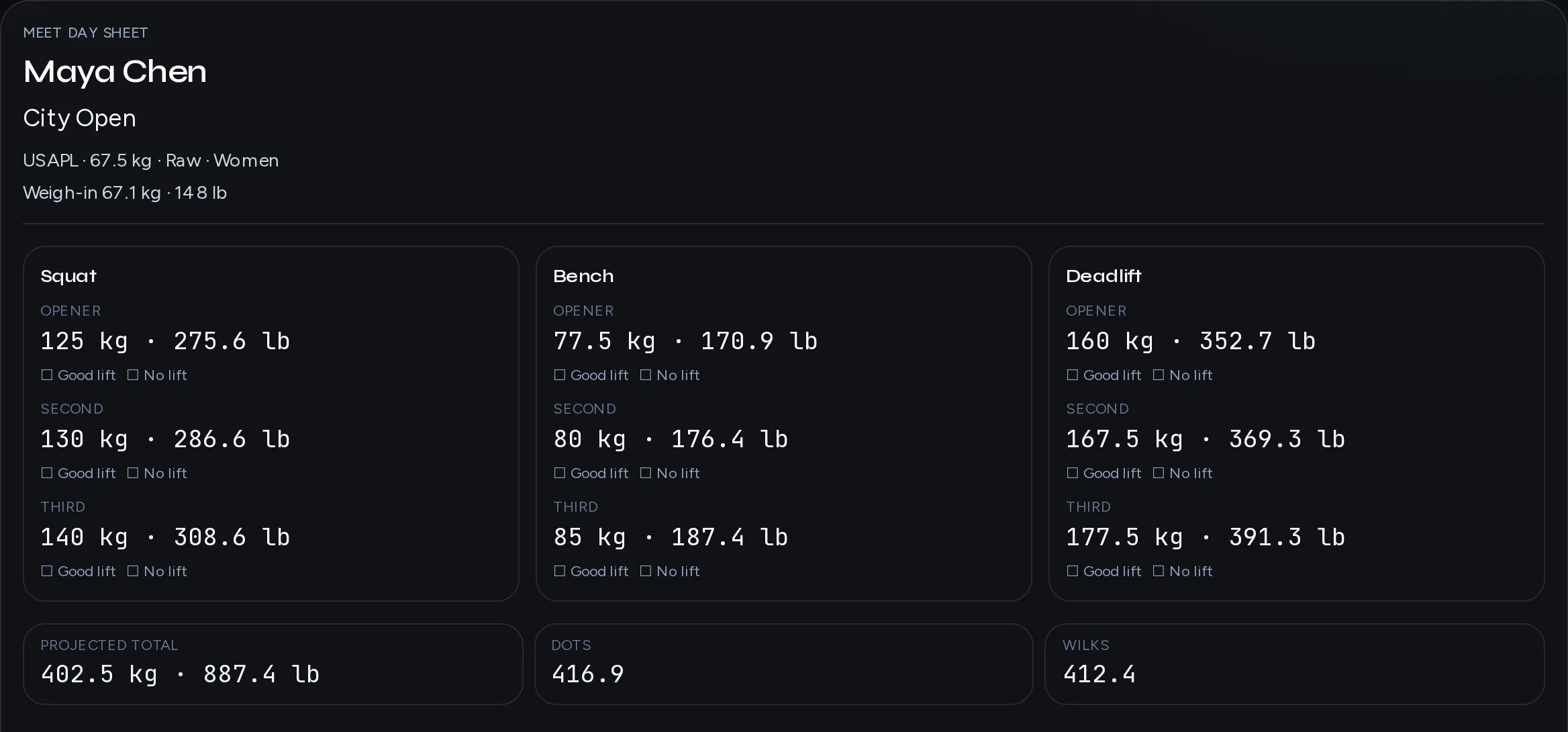
Publish a multi-day block so remote lifters see today’s session and log log the session against the plan — not a spreadsheet screenshot in chat. Peaking weeks stay readable when session names match what you told them for squat, bench, and deadlift emphasis days.
Form checks in one Reviews queue
Squat, bench, and deadlift clips land in Reviews. Scrub, leave cues, mark reviewed, move to the next pending upload. Ask for competition-lift footage on heavy singles and technical blocks — not random accessory spam.
Monday triage
Inbox and the week board surface missed check-ins and stalled clips before meet week gets noisy. Rest and travel overrides should resolve the same on the portal and desk so a deload day never looks like a miss.
Ops playbook
How coaches in this niche run the week.
Meet prep without chat archaeology
Remote powerlifting fails when attempts, openers, and form notes live in three threads. Keep the training block on the desk, log the session as the adherence pulse, and Reviews as the only video inbox. When an athlete travels to a meet, use force-session or a rest day so calendar dates stay clean. Do not invent a second “meet week” spreadsheet the portal cannot see — put openers and commands in session notes athletes already open on their phone.
Clip cadence for the big three
Ask for clips when the cue changes outcomes: first heavy squat after a deload, paused bench sticking point, deadlift setup on a new stance. Clear oldest pending first unless someone is injured. One or two cues beat five. Confirm the next log the session after a cue so you know they trained the change. Studio/Team hosting should be ready before you promise high clip volume; Solo can prove the loop first.
Monday board before programming Sunday
Batch missed check-ins and stalled invites on Monday. Mid-week clear Reviews. Sunday adjust the next block using adherence you can trust. If timezone is wrong, fix the zone before you cut load. The same week-1 loop applies: invite → assign → log the session → one clip. Solo Checkout is the free-trial path — no card to start — when you are ready for a live empty roster. Read the form-check and check-in guides when you want the deeper cadence without inventing a parallel Notion playbook.
Attempts and commands stay with the session
When remote lifters ask for openers, put the answer in the session note or week note they already open — not only in a disappearing chat. After the meet, return them to a normal block on the portal so log the session continues. Keep Reviews for technical work in the training weeks around the meet, not as a dumping ground for every gym selfie. If weigh-ins or travel rest disrupt the calendar, override the session clearly so Monday triage still makes sense.
Week 1
Invite → assign a block → athlete marks a session done → you clear one form clip. Same loop on the home walkthrough.